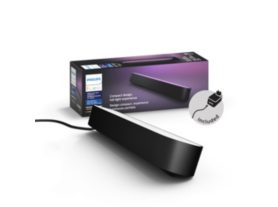
Test Product A from Magento
Current price is £299.99
Current price is £299.99
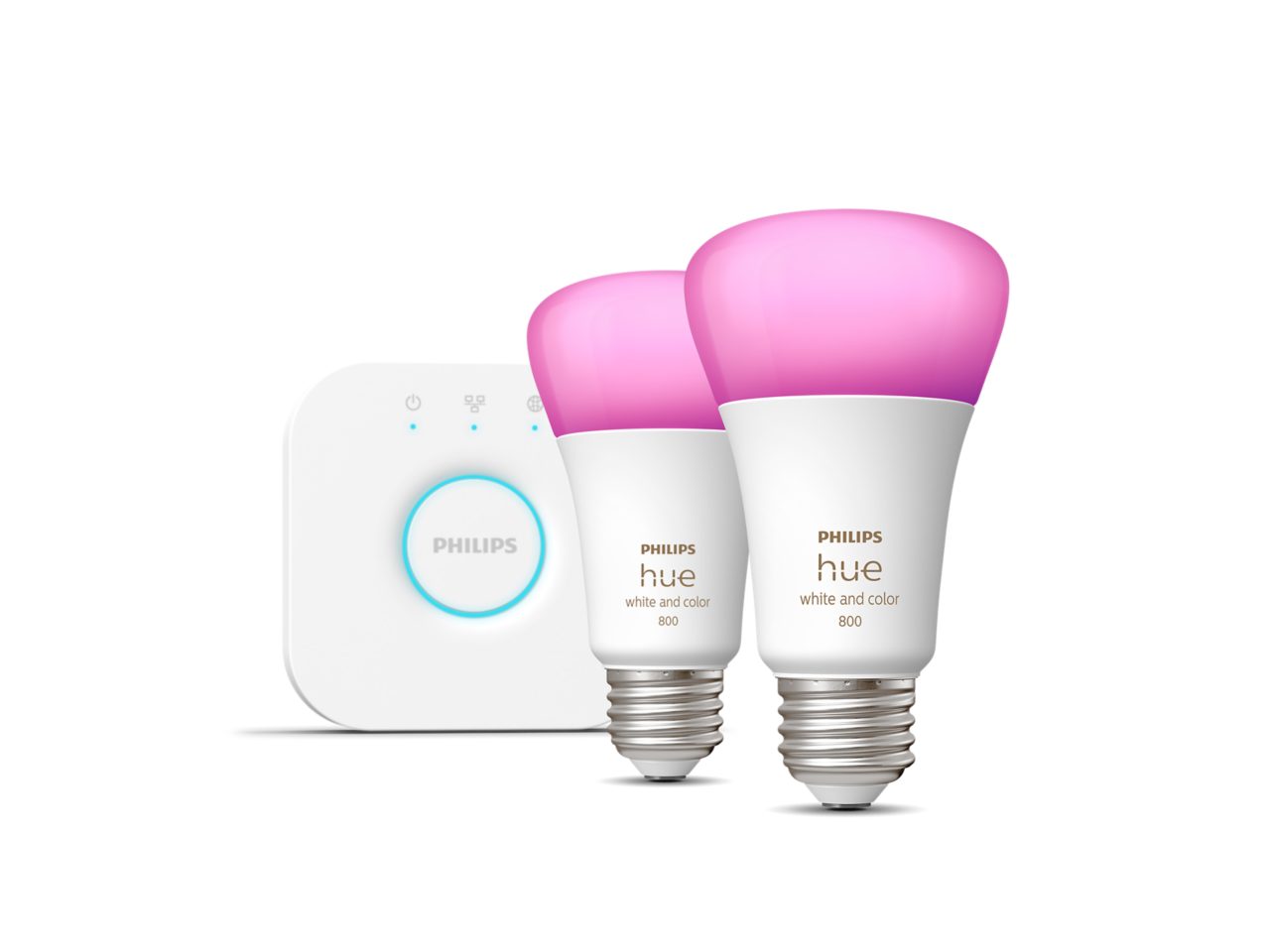
in.stock
- Fast delivery
- Order before 10:00 PM
- Next day delivery
- Free shipping
additional.product.title
additional.product.for.Test Product A from Magento.is.required
about.Test Product A from Magento
This Test Product is in stock.
- Hue Bridge required
- Version 1
- Version 2
Features
- product.number.label
- 12345
Bulb dimensions
- Dimensions (WxHxD)
- 62x112
Durability
- Number of switch cycles
- 50,000
- Nominal lifetime
- 25,000
Environmental
- Operational humidity
- 5% <H<95% (non condensing)
- Operational temperature
- -10°C – 45°C
Extra feature/accessory incl.
- Dimmable with Hue app and switch
- Yes
Guarantee
- 2 years
- Yes
Light characteristics
- Color rendering index (CRI)
- 80
Packaging dimensions and weight
- EAN/UPC - product
- testproductctna
- Net weight
- 0.27 kg
- Gross weight
- 0.35 kg
- Height
- 16.5 cm
- Length
- 7.5 cm
- Width
- 14 cm
- Material number (12NC)
- 929001199892
Packaging information
- EAN
- 046677530303
Power consumption
- Standby power consumption
- 0.1 W
Service
- Warranty
- 3 year(s)
Technical specifications
- Lumen output at 4000K
- 806 lm
- Weight
- 78
- Bulb technology
- LED
- Fitting/cap
- E26
- Lumen output at 2700K
- 570 lm
The bulb
- Color temperature
- 2200K-6500K
- Form factor
- A60
- Input voltage
- 110V-130V
- Light output
- Warm to cool white light
- Lumen output
- 800 lm @ 4000K
- Max. operation power
- 10.5 W
- Power factor
- >0.7
- Software upgradable
- Yes
- Start up
- Instant 100% light output
- Wattage
- 10 W
- Wattage equivalent
- 60 W
- Height
- 4.2 inch
- Width
- 2.4 inch
- Software upgradable
- When connected to Hue Bridge
What's supported
- Compatible with Effects
- Yes
- HomeKit compatible
- Yes
- Philips Hue App
- IOS 15 and above, Android 10.0 and above
- Voice assistants (Hue Bridge required)
- Amazon Alexa, Google Assistant, Apple HomeKit, Microsoft Cortana
- WiFi
- Works without Wi-Fi
- Defined support period
- Minimum of 48 months after introduction date
- Max. number of accessories
- 12 (with Hue Bridge)
- Communication protocol
- Bluetooth, Zigbee
Other
- User manual
- No manual available
product.faq.title
How do I control Philips Hue lights?
You can control Philips Hue lights multiple ways — that's one of the reasons they're so smart! How you control your lights depends on whether you have a Hue Bridge.
Without a Hue Bridge
Certain Philips Hue lamps and light fixtures come with a Dimmer switch, which can be used out of the box to turn on and off the lights, dim and brighten, and cycle through four preset light scenes (if purchased with a White ambiance bulb). If your lamp did not come with a Dimmer switch, you can only turn on and off the light.
With a Hue Bridge
If you pair your lights with a Hue Bridge, you can then operate all your lights within the Hue app. The Hue app offers far more functionality, allowing you to set up the Home & Away feature, create custom light scenes, and more. You can also use a smart home assistant to control your lights with your voice.
I am unable to control my light when I am away from home
To control your lights while away from home, you’ll need to set up the Home & Away functionality:
- Select Routines at the bottom of the app screen.
- Select Home & Away.
- Turn the Location aware toggle button from off to on.*
Once you have set up Home & Away, you can control your lights anywhere you have a Wi-Fi, 3G or 4G connection the same way you would as if you were at home. If you’re having trouble controlling your lights while away from home, please double check that you are logged into your Hue account and your lights are reachable.
*You must be connected to your home Wi-Fi for the initial set up. If you are not connected to your home Wi-Fi, you will receive an error message."Why are my lights unreachable?
Your Hue light may have been physically switched off (e.g. by using a wall switch) or it is out of the operating range of the system. If you are still having issues, please contact Support.
Can I control two separate Hue systems with one device?
Yes. You can choose which Bridge you would like to control in the Settings > Hue Bridges section of the Hue app. Note that you can only control one Bridge at a time.
Demo-Hue Link