*When a bulb displays "Up to" a certain number of lumens in its specifications, it displays the maximum lumen output of the bulb. It shows how bright the bulb can get at 2700 K (White bulbs) or 4000 K (White ambiance or White and colour ambiance bulbs). Learn more about brightness.

Philips Hue Play HDMI sync box 8K
Temporarily out of stock
about.Philips Hue Play HDMI sync box 8K
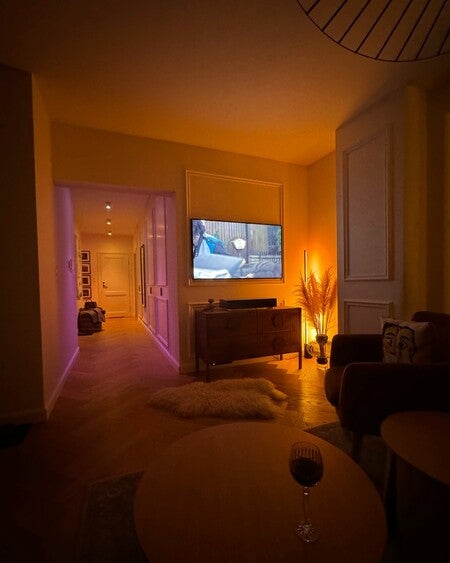
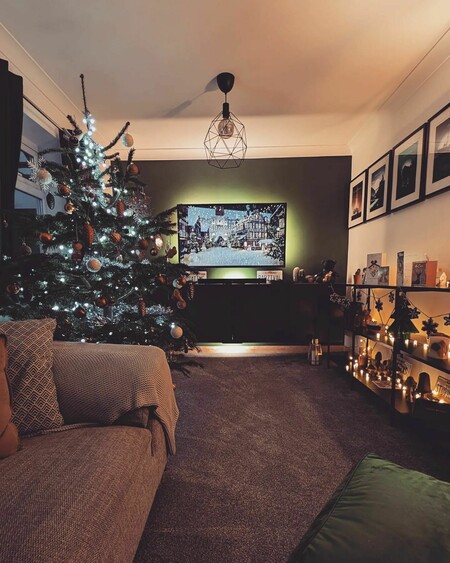
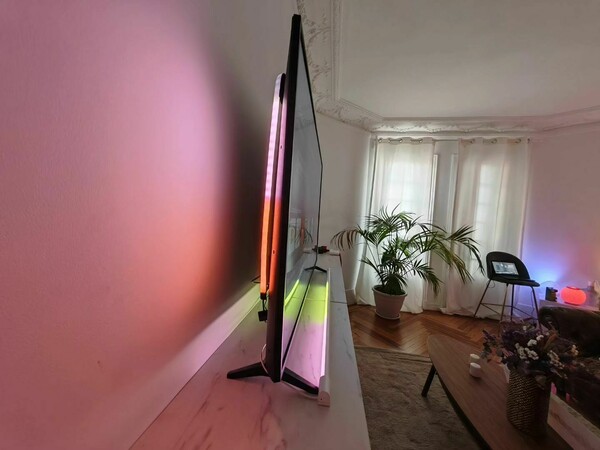
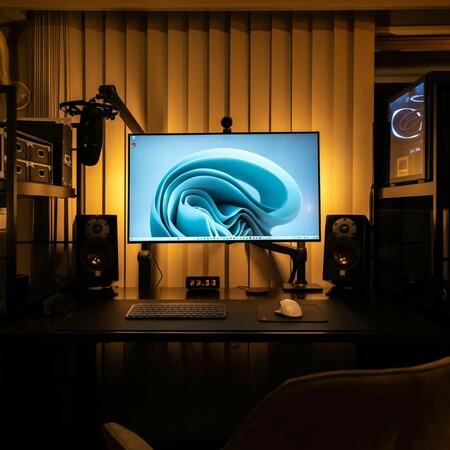
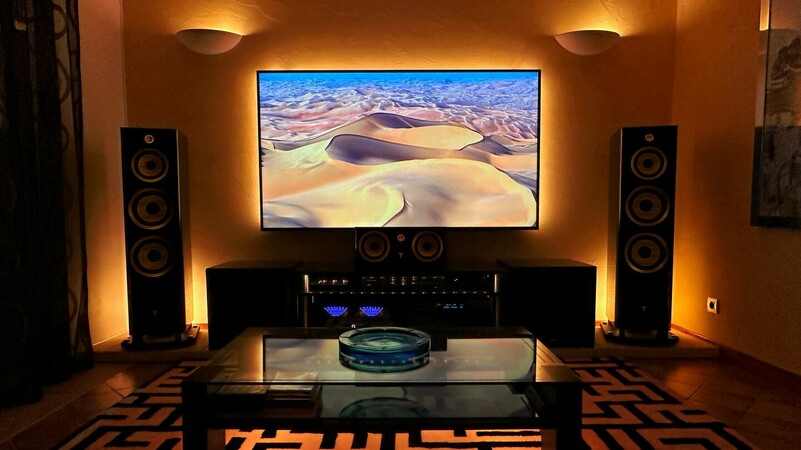
Transform your entertainment into a fully immersive light syncing experience. The Philips Hue Play HDMI sync box 8K elevates the way you play, watch and listen by syncing your Philips Hue lights to what's on your screen. With an ultra-fast refresh rate, it matches your light colours with the highest quality video content at 8K 60Hz and 4K 120Hz.
- Syncs lights with TV content at 8K 60Hz and 4K 120Hz
- HDMI 2.1 certified
- Creates 1:1 colour sync with what's on your screen
- Link up to 10 Philips Hue lights
Features
- product.number.label
- 8719514458666
Design and finishing
- Colour
- Black
- Material
- Metal
Durability
- Nominal lifetime
- 15,000
Extra feature/accessory incl.
- click!FIX mounting
- Yes
- Dimmable with the Hue app and switches
- Yes
- LED integrated
- No
- LED lamp(s) included
- Yes
Light characteristics
- Colour temperature
- 2200-6500 K
Miscellaneous
- Especially designed for
- Living Room, Bedroom
- Style
- Modern
- Type
- Spot Light
- EyeComfort
- No
Product dimensions and weight
- Net weight
- 0.490 kg
- Overall height
- 103 mm
- Overall length
- 102 mm
- Overall width
- 102 mm
Service
- Warranty
- 2 year(s)
- Subscription
- Not applicable
Technical specifications
- Total lumen output fixture (hidden)
- 350
- Lumen output bulb included
- 350
- Light source equivalent to traditional bulb of
- 50
- Bulb technology
- LED
- Light colour
- Tunable white light
- Total lumen output fixture
- 250 lm
- Mains power
- 50-60 Hz
- Maximum wattage replacement bulb
- 5.5
- Fitting/cap
- GU10
- Wattage bulb included
- 5 W
- IP code
- IP20 | Finger-protected
- Class of protection
- Class I – Earthed
- Light source replaceable
- Yes
- Number of light sources
- 1
What's supported
- Compatible with Effects feature
- Yes
- Philips Hue App
- Android 10.0 and above, iOS 16 or later
- WiFi
- Works without Wi-Fi
- Defined support period
- Minimum of 48 months after introduction date
- Max. number of accessories
- 12 (with Hue Bridge)
- Communication protocol
- Bluetooth, Zigbee
- Compatibility with third-party systems
- Alexa, Google Home, Apple HomeKit, IFTTT, Klikaanklikuit, Matter, Samsung SmartThings, Sonos
Other
- User manual
- No manual available
- Disposal of the product
- At the end of (economic) life, dispose the product according to local rules and do not dispose the product with regular household waste. The correct disposal of your product will help prevent potential negative consequences for the environment and human health
- Dismantling
- No dismantle information available
product.faq.title
What media devices does the Hue sync box support?
The Hue sync box supports devices with an HDMI connection. The HDMI device must be plugged into the Hue sync box with an HDMI cable. Smart TV apps and their related services are not supported as their signal doesn't pass through an HDMI cable.
If you want to sync your smart TV apps with your lights, you can use the Sync TV app on compatible Samsung TVs.
What video formats do the sync box 4K and sync box 8K support?
The sync box 8K supports formats up to 8K at 60 Hz and 4K at 120 Hz in addition to supporting HDMI 2.1. This means that the sync box 8K was designed to support HDMI content well into the future.
The sync box 4K supports HDMI 2.0 and formats up to 4K at 60 Hz and 1440p at 120 Hz.
Is an HDMI cable included with the Hue sync box?
Yes. The Hue sync box comes with one HDMI cable. You can use this to connect the Hue sync box to the TV.
Does the sync box support the latest gaming consoles?
Yes. The sync box 4K supports gaming consoles up to 4K at 60 Hz and 1440p at 120 Hz. The sync box 8K supports gaming consoles up to 8K in 60 Hz and 4K in 120 Hz.
Any format above these specifications will be downgraded, so you'll still be able to sync your lights.
Which sync box should I get — the 4K or the 8K?
If you have or plan on getting an 8K TV, or if you own the latest generation gaming console and want to use 4K at 120 Hz, the sync box 8K will give you the best experience. Keep in mind that your TV needs to support both HDMI 2.1, 8K, and naturally 8K content.
What does the Philips Hue Play HDMI sync box do?
The Hue sync box reads the video or audio signal from an HDMI device — a set-top box, gaming console, or streaming stick, for example. The Hue sync box sends this signal to your Hue Bridge, which then instructs the color-capable smart lights in your Entertainment area to react.
How many HDMI devices does the Hue sync box support?
You can connect up to four HDMI devices directly to the Hue sync box. If you want to connect more, connect an HDMI splitter or A/V receiver to the Hue sync box.
What video and audio formats does the sync box support?
The sync box 4K supports HDMI 2.0 up to 4K in 60 Hz and 1440 p in 120 Hz, Dolby Vision, and HDR10+.
The sync box 8K supports HDMI 2.1 up to 8k in 60 hz and 4k in 120Hz, Dolby Vision and HDR10+.
Is there a difference in design between the sync box 4K and the sync box 8K?
The sync box 8K is slightly larger than the sync box 4K:
Sync box 8K: 20 cm x 10.9 cm x 2.55 cm, weight 0.59 kg
Sync box 4K: 18.2 cm x 9.9 cm x 2.3 cm, weight 0.46 kg
The sync box 8K features a glossy ring around the top cover, and uses USB-C instead of a micro USB. Additionally, the sync box 8K now has a factory reset button on the back.