Explore Philips Hue smart lighting

Find everything you need to know right here!

The right light for every moment

Smart lighting made easy!

Person adjusting smart lighting settings on a smartphone in a living room with a warm-colored lamp illuminating the background.

Simple controls

Control your lights your way, whether you prefer to use the Hue app or voice commands.

Hand holding a white remote control, finger pressing a dimming button to adjust smart lighting brightness in a room.

Smooth dimming

Adjust the brightness of your lights gradually, with zero flickering, to set the perfect mood.

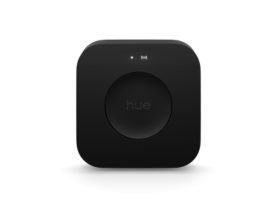
Hand tapping a smartphone screen to set up a smart lighting bridge, with a black bridge device visible on a wooden surface.

Quick setup

We’ve made installation easy, so you can get your lights up and running in no time.

*When a bulb displays "Up to" a certain number of lumens in its specifications, it displays the maximum lumen output of the bulb. It shows how bright the bulb can get at 2700 K (White bulbs) or 4000 K (White ambiance or White and color ambiance bulbs). Learn more about brightness