Let your lights react to the content on your LG TV screen with the Hue Sync TV app.


Philips Hue and LG

How to sync with your LG TV
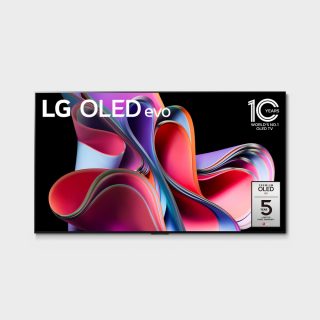
Check the compatibility
The Sync TV app is compatible with 2024 and newer LG TVs with webOS24 or higher. If your TV supports the app, it will appear when you search for it in Apps.
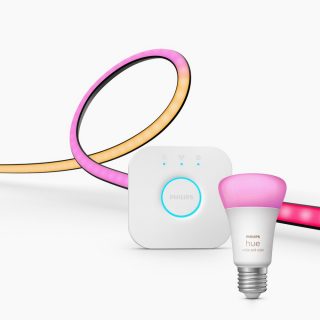
Set up your Hue system
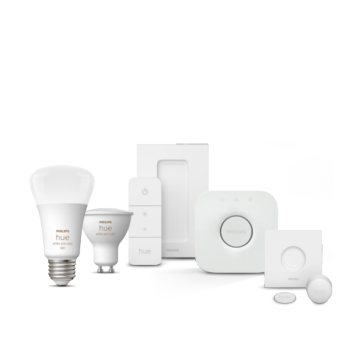
You’ll need at least one color-capable Philips Hue light and the Philips Hue Bridge to sync your lights to your LG TV.
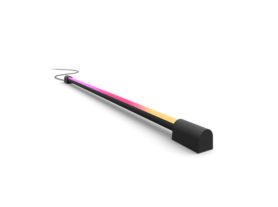
Best lights for syncing
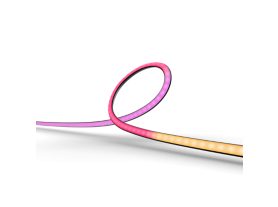

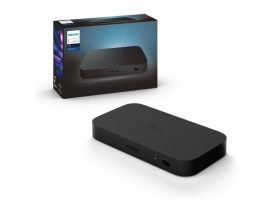
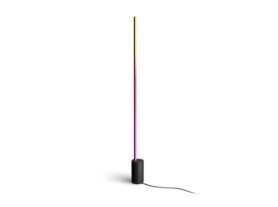
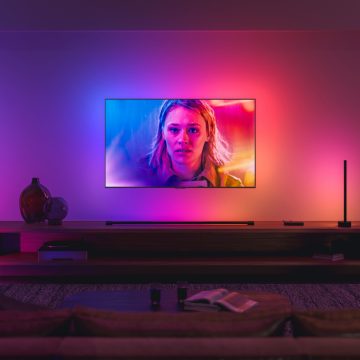
LG
LG has brought high-quality products, services, and features to their users for over 60 years — including those for smart homes.
Questions & answers
Which LG TVs are compatible with the Hue Sync TV app?
Which LG TVs are compatible with the Hue Sync TV app?
Get support
We’re always happy to help! If you need more support in pairing Philips Hue and LG TVs, check out more questions and answers or get in touch with us.
*When a bulb displays "Up to" a certain number of lumens in its specifications, it displays the maximum lumen output of the bulb. It shows how bright the bulb can get at 2700 K (White bulbs) or 4000 K (White ambiance or White and color ambiance bulbs). Learn more about brightness.