Choose the kind of product you have below to learn how to connect it to your smart lighting system.

Philips Hue product setup guides
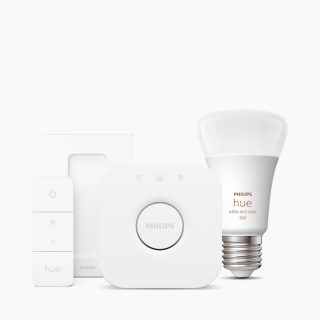
Starter kits
Get instructions on setting up a starter kit.
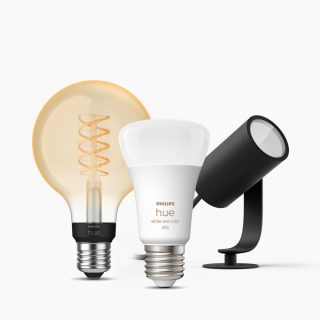
Bulbs & lamps
Get instructions on setting up bulbs, floor lamps, table lamps, fixtures, and more.
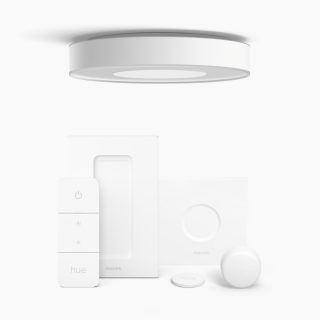
Lights that include an accessory
Get instructions on setting up lights that come packaged with an accessory, such as a dimmer switch or smart button.
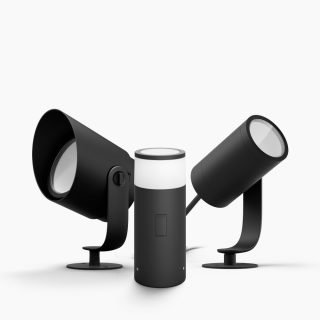
Outdoor lights
Get instructions on setting up outdoor lights.
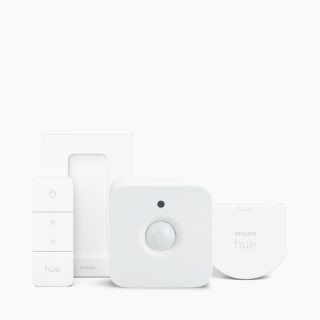
Accessories
Get instructions on setting up a sync box or other accessories.
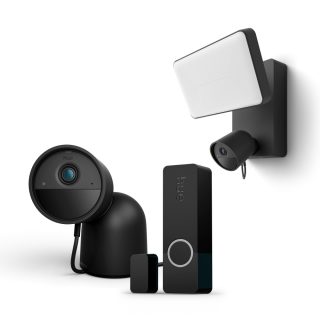
Security
Get instructions on setting up security cameras and sensors.
FAQs
How do I add my Philips Hue device using a QR code?
How do I add my Philips Hue device using a QR code?
Where can I find the QR codes on my Philips Hue devices?
Where can I find the QR codes on my Philips Hue devices?
I can't find the QR code on my device. What should I do?
I can't find the QR code on my device. What should I do?
Can I scan multiple devices' QR codes to add them all to my Bridge at once?
Can I scan multiple devices' QR codes to add them all to my Bridge at once?
Can I add multiple devices for multiple Rooms by scanning their QR codes?
Can I add multiple devices for multiple Rooms by scanning their QR codes?
I can't scan the QR code. What should I do?
I can't scan the QR code. What should I do?
Can I scan the QR code on an older Philips Hue device to add it to my Bridge?
Can I scan the QR code on an older Philips Hue device to add it to my Bridge?
Do I need an internet connection to add devices to my Bridge by scanning their QR codes?
Do I need an internet connection to add devices to my Bridge by scanning their QR codes?
Can I scan a QR code on a Philips Hue device to add it to my system if I don't have a Hue Bridge?
Can I scan a QR code on a Philips Hue device to add it to my system if I don't have a Hue Bridge?
Can I add a product that's already been set up by scanning its QR code?
Can I add a product that's already been set up by scanning its QR code?
*When a bulb displays "Up to" a certain number of lumens in its specifications, it displays the maximum lumen output of the bulb. It shows how bright the bulb can get at 2700 K (White bulbs) or 4000 K (White ambiance or White and color ambiance bulbs). Learn more about brightness.