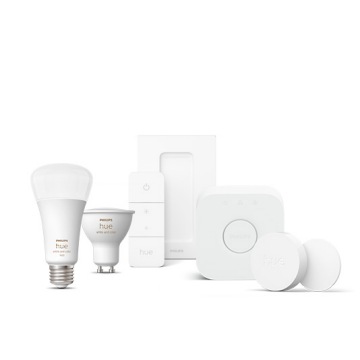
A collection of smart lighting and security devices in white, including a bulb, camera, remote, and hub, displayed together.

Hue Support

Frequently asked questions and product help

Philips Hue YouTube

Watch how-to videos

Browse how-to videos on the official Philips Hue YouTube channel for guidance on setting up and installing Philips Hue products.
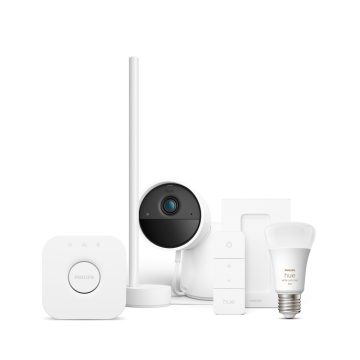
Philips Hue Products

Get help connecting products

Learn how to connect your smart lights, fixures, and accessories to your Philips Hue system with these step-by-step instructions for each of our products.

Security icon showing a shield with a check mark in the center.

Security advisory


App version history


Black icon showing a person silhouette with a circle containing a question mark, on a transparent background.

Service status

Black circular smart lighting accessory with a centered button, compact design, matte finish, square base, no visible ports or switches.

Product manuals

Contact us

We are always happy to help you

Visit our social channels

Response time: 1hr. Available 24/7

Direct contact

Available 24/7

Start Chat
8am-8pm EST

Phone

Available 24/7

*When a bulb displays "Up to" a certain number of lumens in its specifications, it displays the maximum lumen output of the bulb. It shows how bright the bulb can get at 2700 K (White bulbs) or 4000 K (White ambiance or White and color ambiance bulbs). Learn more about brightness